Another filetree plugin
https://github.com/kmafeni04/tree.kak
1 Like
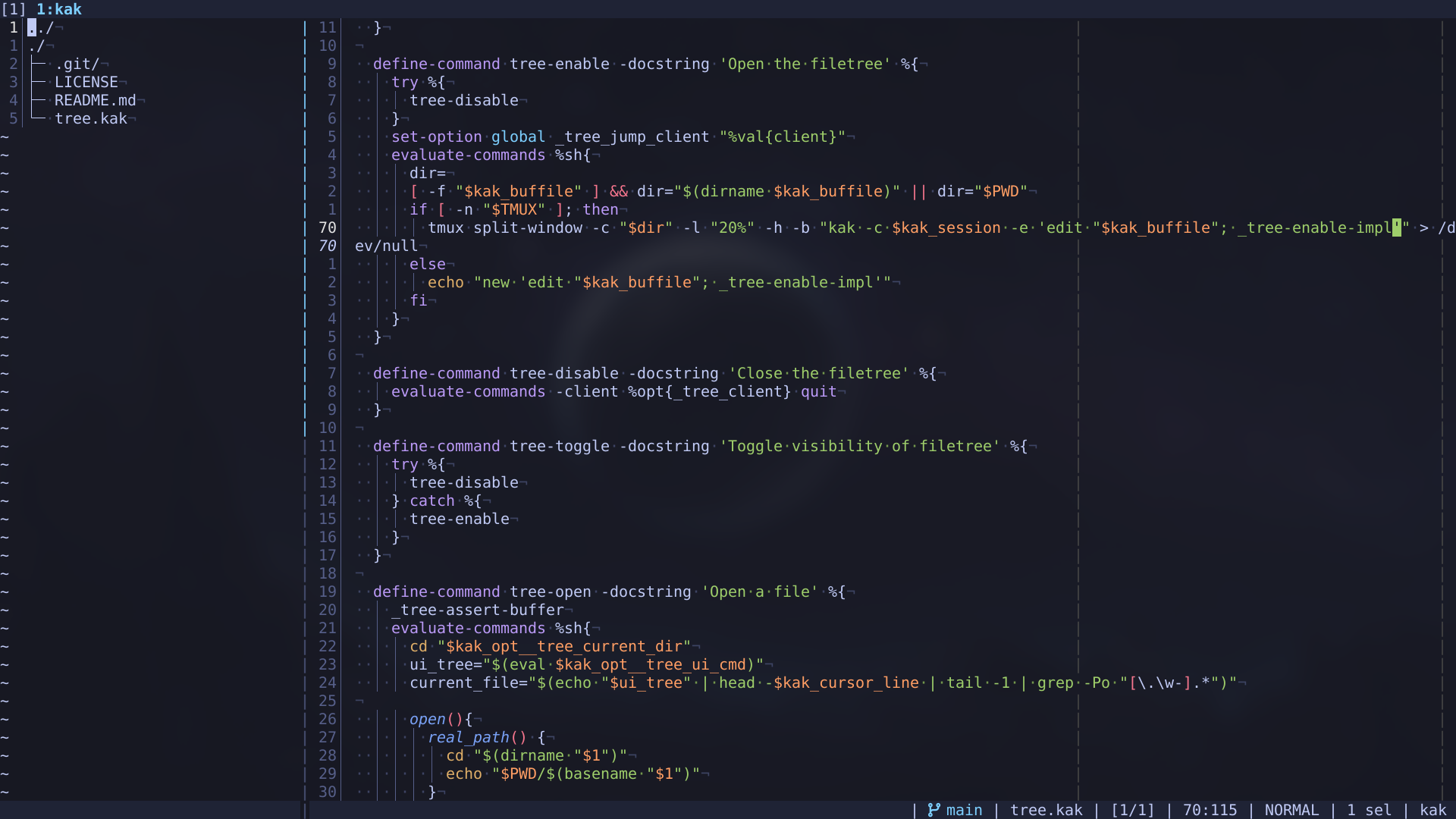
The implementation looks nice and simple. How does it compare to the other filetree plugins available? Unfortunately the preview video isn’t working for me.
Honestly that’s neat, i prefer using an external file manager (currently nnn) though, as they are completely separate and don’t rely on the editor at all, just with an OPENER env variable which i can set to a kak_open command i wrote, and can therefore be used with other tools as well, not just the text editor
still, looks neat
- A plugin that the keybindings were reconfigureable, kaktree for example has set keybindings that you’re not meant to change, I only have a suggested keymap.
- A plugin to not change the root directory of kakoune when you change directory in the filetree which kaktree also did.
- I wanted everything to be done in shell and be simple to read
- Finally, I want to come up with a way to make it extensible so people can externally script onto it.
Those are the general goals
It works on chromium based browser but nowhere else, not sure what the issue is
Scratch that, opened in librewolf and it’s working fine
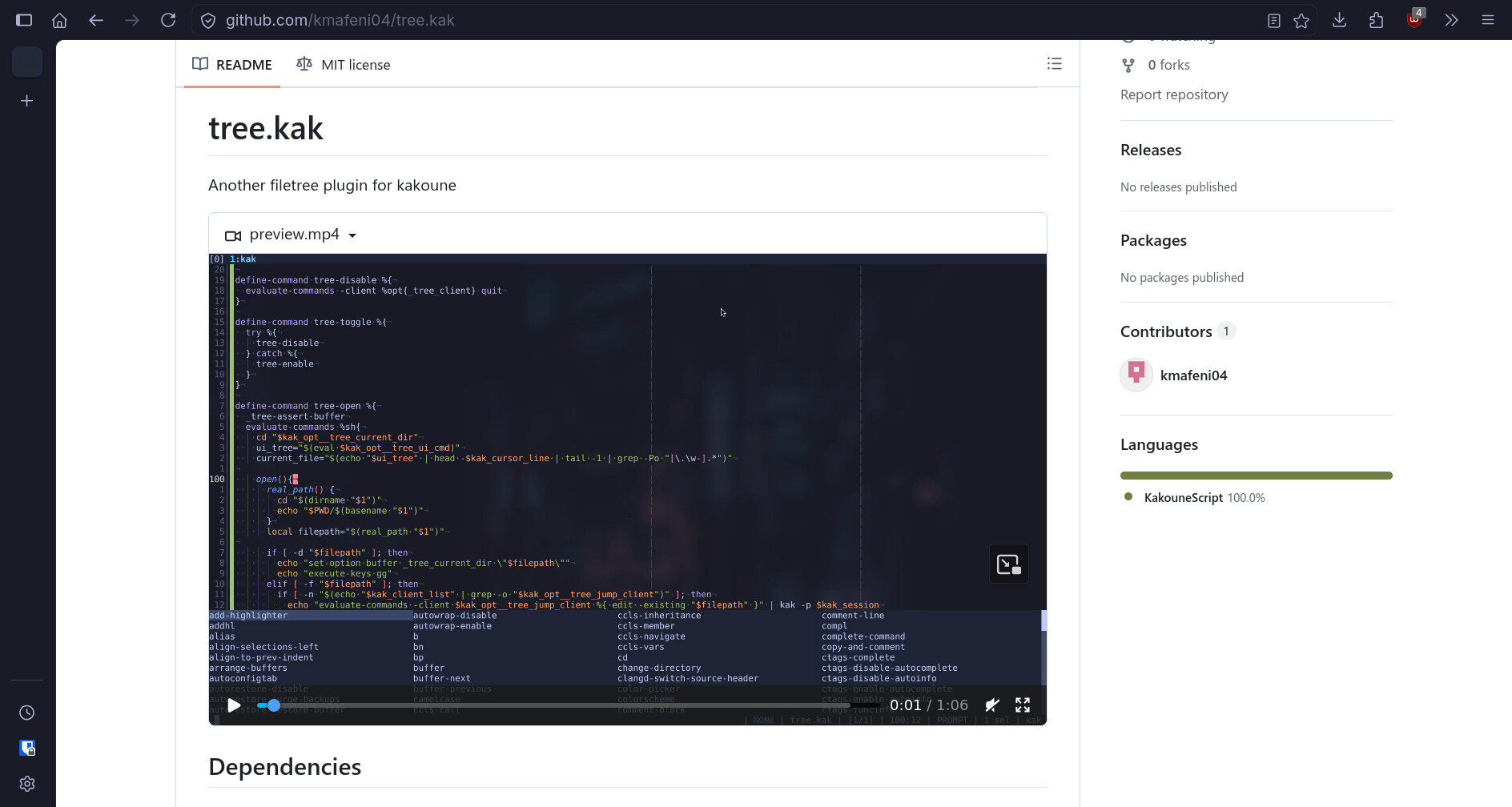
I get that, I was using lf as my own filetree before but thought it would be an interesting exercise to make something “builtin.” Now I prefer this implementation and use it everyday
very fair, it’s always cool to see how different people work even though we have the same core component. i mean, until just about a year ago, i was only using commands to manage buffers, nothing else, was fine for a while, most of my things never have me working on more than a few files at once, but then i started working on bigger projects and it very quickly became unbearable and … yea, switched to nnn, and now i got used to it
going back to your plugin though, it kind of throws me off that you have a tree like structure being shown, yet only showing directories and files linearly. i guess with just kakoune and shell, doing an actual tree style filetree is quite complicated
My original implementation actually had a 2 level deep tree preview but as I developed it further, I just felt I didn’t need it and it took too much space on the screen. Coming from lf where I only had one pane available due to the size constraint, I only ever saw the current directory and was fine with that.
The tree style now is more of an aesthetic thing and I could replace the implementation with ls and it would all work exactly the same.
It is still very possible to have the tree structure but doesn’t seem all that necessary. If people want that as the default behaviour then I’ll reimplement it
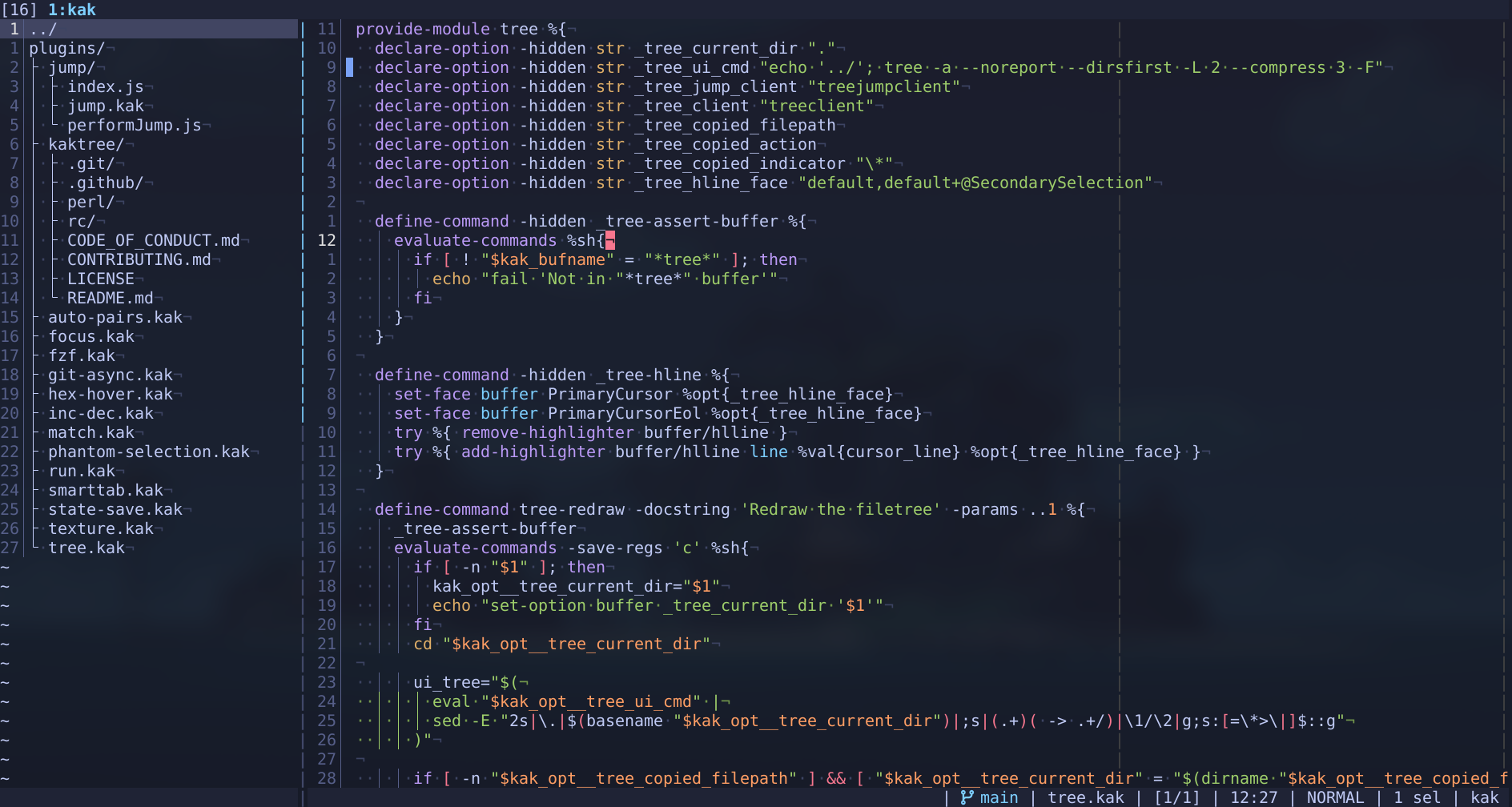
The major reason why I didn’t keep this as an option is that I could not come up with a good way to fold individual directories and didn’t spend a long enough time to figure it out.
After speculating on the problem, I came up with those other reasons.
The plugin was mostly conceived in a couple hours so I didn’t spend too much time on solving “unnecessary” problems
well a full tree view is nice, but it’s not very useful if it shows absolutely everything, and that’s why i consider a tree view to be complicated, if i am ever to do one, it’d be a standalone tool on the side
also i’m not particularly interested in using your plugin, nnn works already for me, i just think it’s cool
That’s fine, just using the space to speculate features
Since the orginal preview of this, I have added some new things
- Select multiple files to perform actions on
- Copy info like file path, name and directory
- Auto increment files on paste if file already exists
- Indicators for selected or copied files
- Properly showing the name of the folder you are currently in
Some of these need to be polished further but the functionality is at least there
I have decided to rename the plugin and switch it’s implementation ls, as I was clearly not using it as a “tree”